
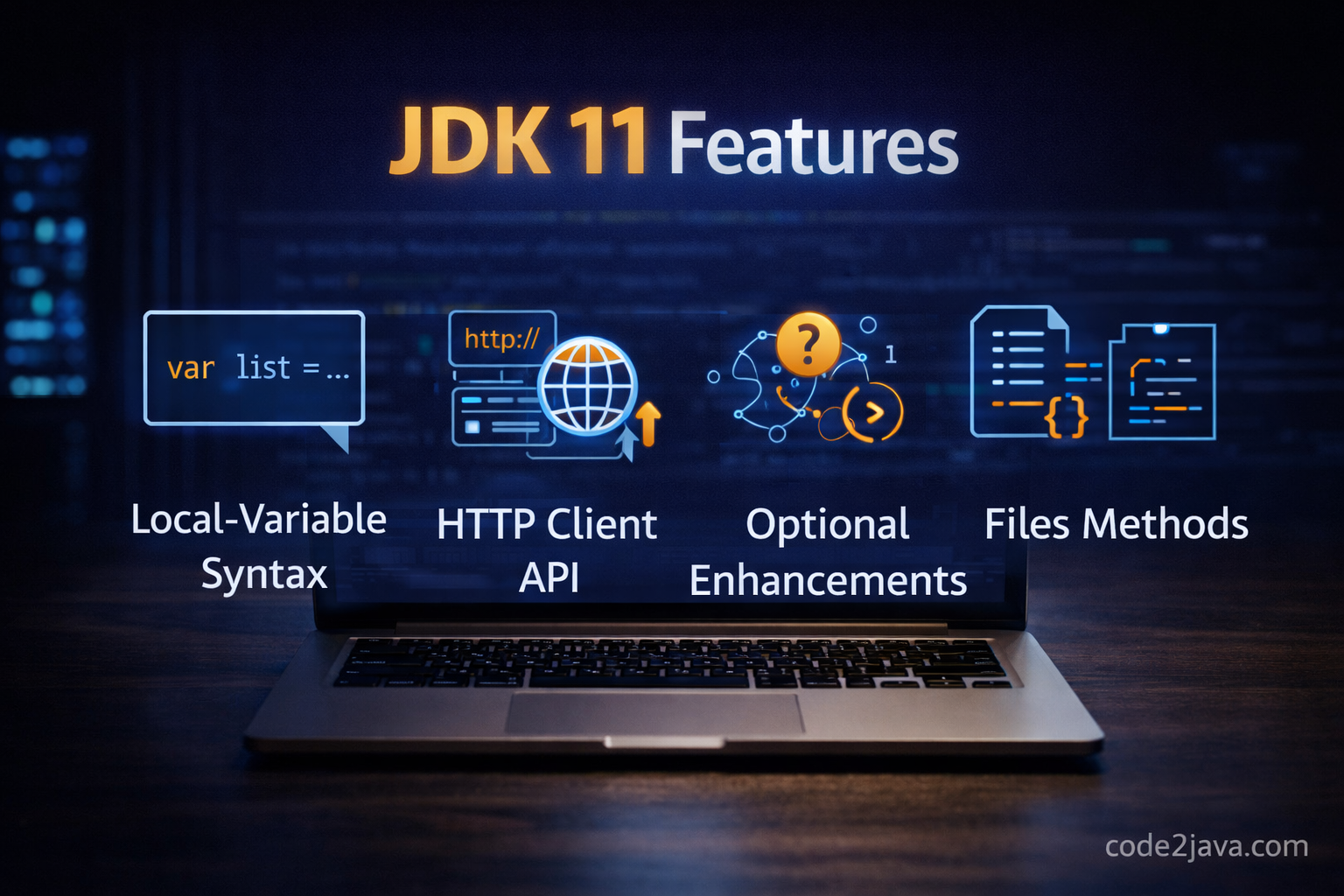
JDK 11 features
Table of Contents
- 👉 What is JDK 11
- 👉 Why JDK 11 is important
- 👉 Key features introduced in JDK 11
- 👉 Internal working of major features
- 👉 Implementation in Java
- 👉 Summary
- 👉 Interview Questions
👉 What is JDK 11
JDK 11 is a Long-Term Support (LTS) release of Java, which means it is designed for stability and long-term usage in production systems.
After JDK 8, many organizations waited for a solid upgrade path. JDK 11 became that sweet spot — stable, modern, and production-ready. 🚀
It builds on top of the modular system introduced in Java 9 and brings several developer-friendly APIs along with performance improvements.
👉 Why JDK 11 is important
JDK 11 is not about flashy features — it’s about practical improvements that you’ll use daily.
🔥 Why developers love JDK 11:
- ✔ Long-term support (LTS) — safe for production
- ✔ Removal of legacy clutter (Java EE, CORBA)
- ✔ Modern HTTP client (no more ugly HttpURLConnection)
- ✔ Cleaner APIs for String, Files, Optional
- ✔ JVM and GC improvements
👉 If you’re still on JDK 8, upgrading to JDK 11 is one of the smartest moves you can make.
👉 Key features introduced in JDK 11
Let’s go through the most impactful features — not just what they are, but why they matter.
🔥 1. New HTTP Client API (Standardized)
Before JDK 11, writing HTTP calls felt painful 😅
You either used HttpURLConnection or added third-party libraries.
👉 JDK 11 fixes that with a clean, modern HTTP client.
⚙ Internal Working Insight
- Built on non-blocking I/O (NIO)
- Uses CompletableFuture for async processing
- Supports HTTP/2 out of the box
- Uses fewer threads efficiently
👉 Result: Better scalability and cleaner code.
💻 Implementation in Java
import java.net.URI;
import java.net.http.HttpClient;
import java.net.http.HttpRequest;
import java.net.http.HttpResponse;

public class HttpClientExample {
    public static void main(String[] args) throws Exception {
        HttpClient client = HttpClient.newHttpClient();

        HttpRequest request = HttpRequest.newBuilder()
                .uri(new URI("https://jsonplaceholder.typicode.com/posts/1"))
                .GET()
                .build();

        HttpResponse<String> response = client.send(request, HttpResponse.BodyHandlers.ofString());

        System.out.println("Response: " + response.body());
    }
}
🔥 2. String API Enhancements
Small feature, huge impact in real-world coding.
✨ New Methods
- isBlank()
- lines()
- strip(), stripLeading(), stripTrailing()
- repeat()
⚙ Internal Working Insight
👉 strip() is Unicode-aware, unlike trim().
Internally it uses Character.isWhitespace(), which correctly handles international characters.
💻 Implementation in Java
public class StringMethodsExample {
    public static void main(String[] args) {
        String text = "  Hello Java  ";

        System.out.println(text.isBlank());     // false
        System.out.println(text.strip());       // "Hello Java"
        System.out.println("Java\nPython\nC++".lines().count());
        System.out.println("Hi ".repeat(3));
    }
}
🔥 3. var in Lambda Parameters
This looks small, but it’s powerful when combined with annotations.
🤔 Why it matters
- Improves readability
- Enables annotations inside lambda parameters
💻 Implementation in Java
import java.util.List;

public class VarLambdaExample {
    public static void main(String[] args) {
        List<String> names = List.of("Java", "Python", "Go");

        names.forEach((var name) -> System.out.println(name));
    }
}
👉 You can now write things like (@NotNull var name).
🔥 4. Files API Enhancements
File handling is now much cleaner. No more boilerplate streams.
✨ New Methods
- readString()
- writeString()
⚙ Internal Working Insight
Internally these methods use buffered streams and optimized byte handling, which improves performance and reduces code complexity.
💻 Implementation in Java
import java.nio.file.Files;
import java.nio.file.Path;

public class FileExample {
    public static void main(String[] args) throws Exception {
        Path path = Path.of("sample.txt");

        Files.writeString(path, "Hello from JDK 11");
        String content = Files.readString(path);

        System.out.println(content);
    }
}
🔥 5. Optional Enhancements
Optional becomes more expressive and less verbose.
✨ New Methods
- isEmpty()
- ifPresentOrElse()
- or()
💻 Implementation in Java
import java.util.Optional;

public class OptionalExample {
    public static void main(String[] args) {
        Optional<String> value = Optional.ofNullable(null);

        value.ifPresentOrElse(
                v -> System.out.println("Value: " + v),
                () -> System.out.println("No value present")
        );
    }
}
👉 No more repetitive null checks.
🔥 6. Nest-Based Access Control
This is an under-the-hood improvement that many developers overlook.
⚙ Internal Working Insight
Before JDK 11:
- Compiler generated synthetic methods to access private members
After JDK 11:
- JVM directly allows access between nested classes
- Cleaner bytecode
- Better performance
💻 Implementation in Java
class Outer {
    private String message = "Hello";

    class Inner {
        void print() {
            System.out.println(message);
        }
    }
}
🔥 7. Removal of Java EE and CORBA Modules
JDK 11 removes outdated modules like:
- java.xml.bind (JAXB)
- java.xml.ws (JAX-WS)
- CORBA
🤔 Why this matters
To reduce JDK size and push developers toward external dependency management using Maven or Gradle.
🔥 8. Z Garbage Collector (ZGC) 🚀
One of the most exciting JVM improvements.
⚙ Internal Working Insight
- Uses colored pointers
- Performs concurrent compaction
- Maintains very low pause times (<10ms)
👉 Ideal for large-scale, low-latency systems.
🔥 9. Flight Recorder (Open Source)
Java Flight Recorder is now available without commercial restrictions.
📊 Why it’s useful
- Low-overhead profiling
- Production monitoring
- Deep JVM insights
👉 Implementation in Java
Here’s a combined example using multiple JDK 11 features:
import java.net.URI;
import java.net.http.*;
import java.nio.file.*;
import java.util.*;

public class JDK11Demo {
    public static void main(String[] args) throws Exception {

        // 🔥 String enhancement
        String input = "  Java  ";
        System.out.println(input.strip().repeat(2));

        // 🔥 Optional enhancement
        Optional<String> optional = Optional.of("JDK 11");
        optional.ifPresentOrElse(System.out::println, () -> System.out.println("Empty"));

        // 🔥 File API
        Path path = Path.of("demo.txt");
        Files.writeString(path, "Hello JDK 11");
        System.out.println(Files.readString(path));

        // 🔥 HTTP Client
        HttpClient client = HttpClient.newHttpClient();
        HttpRequest request = HttpRequest.newBuilder()
                .uri(new URI("https://jsonplaceholder.typicode.com/todos/1"))
                .GET()
                .build();

        HttpResponse<String> response = client.send(request, HttpResponse.BodyHandlers.ofString());
        System.out.println(response.body());
    }
}
👉 Summary
JDK 11 focuses on real-world developer productivity and performance.
🔥 Key takeaways:
- Modern HTTP client replaces legacy APIs
- Cleaner APIs for String, Files, and Optional
- JVM improvements like ZGC and nest-based access
- Removal of outdated modules
- Stable and production-ready LTS release
👉 If you’re serious about Java development, JDK 11 is a must-have upgrade.
Also, if you want to understand how Java collections work internally, check this:
https://code2java.com/internal-implementation-of-hashmap/
👉 Interview Questions
👉 1. What are the major features introduced in JDK 11?
👉 2. How does the new HTTP Client work internally?
👉 3. What is the difference between trim() and strip()?
👉 4. Explain Z Garbage Collector and its advantages.
👉 5. Why were Java EE modules removed in JDK 11?
👉 6. What is nest-based access control?
👉 7. How does Files.readString() improve file handling?
👉 8. What new methods were added in Optional?