
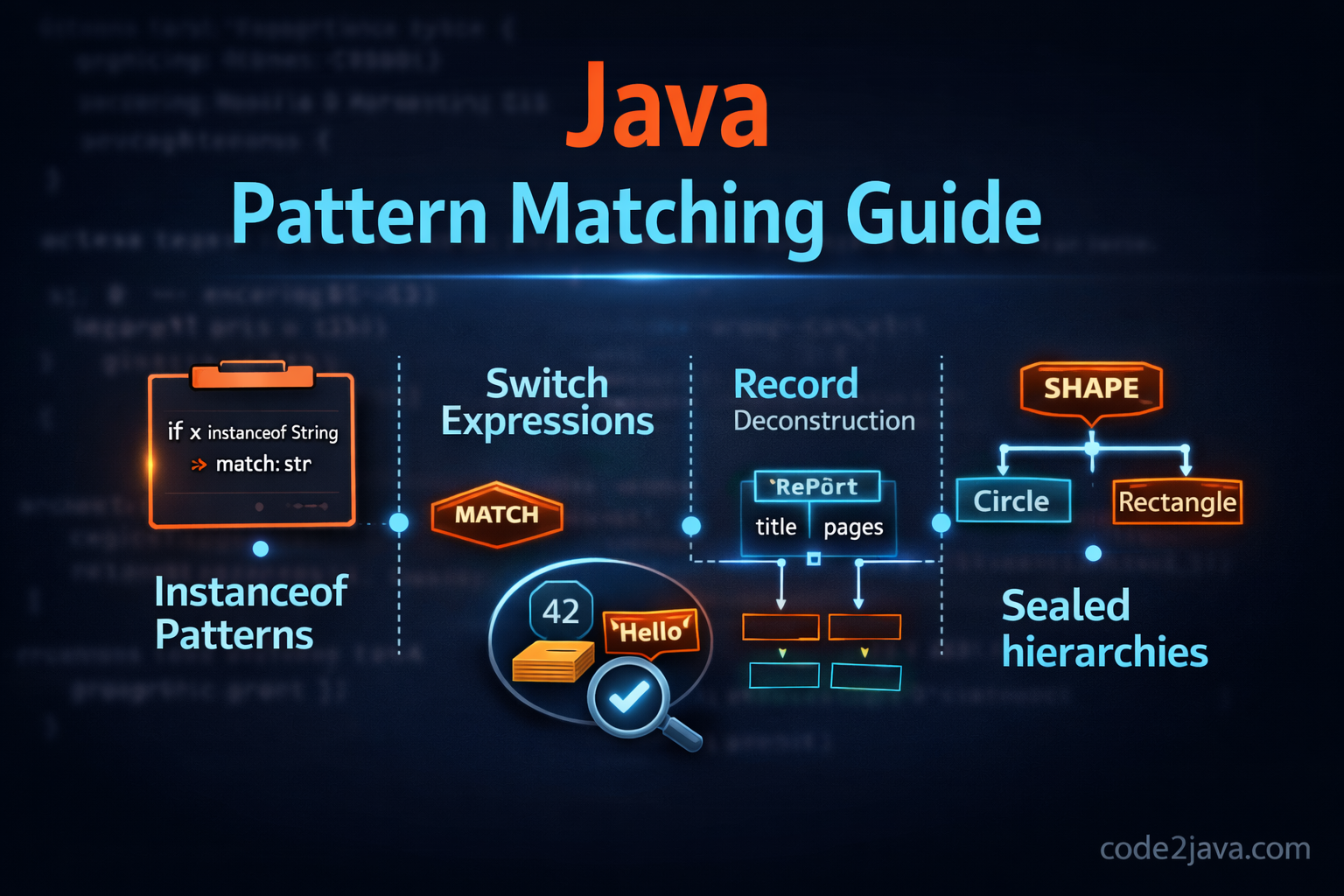
Java Pattern Matching (Java 16 → 21)
📌 Table of Contents
- What is Pattern Matching in Java
- Why Pattern Matching is Needed
- Evolution of Pattern Matching (Java 16 → 21)
- Pattern Matching for instanceof
- Pattern Matching for switch
- Record Patterns (Java 21)
- Advantages
- Where to Use
- When NOT to Use
- Summary
- Interview Questions
🧠 What is Pattern Matching in Java?
In simple terms, Pattern Matching allows you to:
👉 Test a variable against a type
👉 Extract data from it
👉 Use it directly without casting
In other words, it combines type checking, casting, and variable binding into a single step. Because of this, the code becomes more concise and less error-prone.
❓ Why Pattern Matching is Needed
Before Java 16, developers had to write repetitive code like this:
if (obj instanceof String) {
    String str = (String) obj;
    System.out.println(str.length());
}
Clearly, this approach has a few problems.
⚠️ It requires repetitive casting
⚠️ It increases the chance of runtime errors
⚠️ It makes the code unnecessarily verbose
Therefore, Pattern Matching was introduced to simplify this common pattern.
🚀 Evolution of Pattern Matching
Initially, Java introduced Pattern Matching in a limited form. However, over time, it evolved into a powerful feature.
🔹 Java 16 – Pattern Matching for instanceof (Stable)
At this stage, Java allowed inline variable binding with instanceof.
🔹 Java 17 – Preview: Pattern Matching for switch
Later, switch statements became more expressive with type patterns.
🔹 Java 19/20 – Refinements
Subsequently, Java improved syntax and stability.
🔹 Java 21 – Final: switch patterns + Record patterns
Finally, Java 21 completed the vision with record destructuring.
🔍 Pattern Matching for instanceof
Let’s start with the first major improvement.
✅ Basic Example
Object obj = "Hello Java";

if (obj instanceof String str) {
    System.out.println(str.length());
}
Here’s what’s happening:
👉 The type check and cast happen together
👉 The variable str is automatically available
👉 The code becomes shorter and safer
🔥 Multiple Type Checks
In many real-world scenarios, you may need to handle multiple types.
Object obj = 10;

if (obj instanceof Integer i) {
    System.out.println(i * 2);
} else if (obj instanceof String s) {
    System.out.println(s.toUpperCase());
}
As you can see, each branch binds its own variable, making the code very readable.
⚠️ Scope Rules
Now, it’s important to understand variable scope.
if (obj instanceof String str && str.length() > 5) {
    System.out.println(str);
}
In this case:
👉 The variable str is only available when the condition evaluates to true
👉 This ensures safe usage without null or invalid access
🔄 Pattern Matching for switch
Next, Java extended pattern matching to switch statements.
✅ Traditional switch with patterns
Object obj = "Java";

switch (obj) {
    case String s:
        System.out.println(s.toUpperCase());
        break;
    case Integer i:
        System.out.println(i * 10);
        break;
    default:
        System.out.println("Unknown type");
}
Compared to older switch statements, this version is more flexible and type-aware.
🔥 Using switch Expression
Additionally, Java introduced switch expressions for a more functional style.
Object obj = 100;

String result = switch (obj) {
    case Integer i -> "Integer: " + i;
    case String s -> "String: " + s;
    default -> "Unknown";
};

System.out.println(result);
Because of this, you can return values directly without extra variables.
🔥 Guarded Patterns
Sometimes, you need extra conditions along with type matching.
Object obj = "Hello";

switch (obj) {
    case String s && s.length() > 3 -> System.out.println("Long String");
    case String s -> System.out.println("Short String");
    default -> System.out.println("Other");
}
Here:
💡 Guarded patterns allow adding conditions using &&
💡 This makes decision-making more precise
📦 Record Patterns (Java 21)
Now, let’s move to the most powerful addition.
✅ Define a Record
record Person(String name, int age) {}
🔥 Pattern Matching with Records
Object obj = new Person("John", 25);

if (obj instanceof Person(String name, int age)) {
    System.out.println(name + " is " + age + " years old");
}
In this example:
👉 Fields are extracted directly
👉 No getters are required
👉 The code becomes very expressive
🔥 Nested Record Patterns
For complex objects, nested patterns are extremely useful.
record Address(String city) {}
record Employee(String name, Address address) {}

Object obj = new Employee("Alice", new Address("Mumbai"));

if (obj instanceof Employee(String name, Address(String city))) {
    System.out.println(name + " lives in " + city);
}
As a result, even deeply nested data can be handled elegantly.
✅ Advantages of Pattern Matching
Let’s summarize why this feature is so impactful.
🔥 1. Removes Boilerplate
It eliminates explicit casting.
🔥 2. Safer Code
The compiler ensures type correctness.
🔥 3. Better Readability
The code is concise and easier to follow.
🔥 4. Supports Functional Style
Switch expressions improve flow.
🔥 5. Powerful Data Extraction
Record patterns simplify object handling.
📍 Where to Use Pattern Matching
In practice, Pattern Matching shines in several scenarios.
✅ 1. DTO Processing
if (obj instanceof UserDTO(String name, int age)) {
    // directly use fields
}
✅ 2. API Response Handling
switch (response) {
    case Success s -> handleSuccess(s);
    case Error e -> handleError(e);
}
✅ 3. Event Handling Systems
For example, it works well in microservices and messaging systems.
✅ 4. Parsing Complex Objects
Especially when dealing with nested structures, pattern matching reduces complexity.
⚠️ When NOT to Use Pattern Matching
Although powerful, it’s not always the right choice.
❌ 1. Overuse in Simple Cases
if (obj instanceof String) { }
If no casting is needed, the old approach is still fine.
❌ 2. Complex Nested Patterns
Too many nested patterns can hurt readability.
❌ 3. Performance-Critical Code
In rare cases, deep pattern checks may introduce slight overhead.
❌ 4. Legacy Java Versions
Since it requires Java 16+, it won’t work in older environments.
💡 Internal Working (Simplified)
Under the hood, the compiler translates pattern matching into familiar constructs.
For example:
if (obj instanceof String str)
Internally, it behaves like:
if (obj instanceof String) {
    String str = (String) obj;
}
However, the key difference is:
👉 Compile-time safety
👉 Cleaner syntax
👉 Reduced developer effort
✅ Summary
To wrap it up, Pattern Matching is one of the most impactful modern features in Java.
👉 Java 16 introduced instanceof patterns
👉 Java 17 expanded it with switch patterns
👉 Java 21 completed it with record patterns
Overall, it makes Java:
🔥 Cleaner
🔥 Safer
🔥 More expressive
If you’re using modern Java, adopting Pattern Matching is definitely worth it.
🎯 Interview Questions
1. What is Pattern Matching in Java?
It combines type checking, casting, and variable binding into a single step.
2. Which Java version introduced Pattern Matching?
Java 16 introduced it for instanceof.
3. What is Pattern Matching for switch?
It allows type-based case handling with variable binding.
4. What are Record Patterns?
They enable destructuring objects into variables.
5. What are Guarded Patterns?
They are patterns with additional conditions using &&.
6. Is Pattern Matching backward compatible?
No, it requires Java 16 or higher.
7. What are the benefits over traditional instanceof?
It reduces boilerplate and improves readability.
8. Can Pattern Matching replace polymorphism?
No, it complements object-oriented design rather than replacing it.